Quickstart for Engineers
1.Installation
- Install allye_data_connector.
pip install allye_data_connector
- Launch Allye.
You can download Allye from here.
2.Send a DataFrame to Allye Canvas:
import pandas as pd
import seaborn as sns

import allye_data_connector
df = sns.load_dataset("iris")
allye_data_connector.send_dataframe(df, table_name='iris')
The Allye Data Receiver widget will be added to the canvas, and your data will automatically appear in Allye.
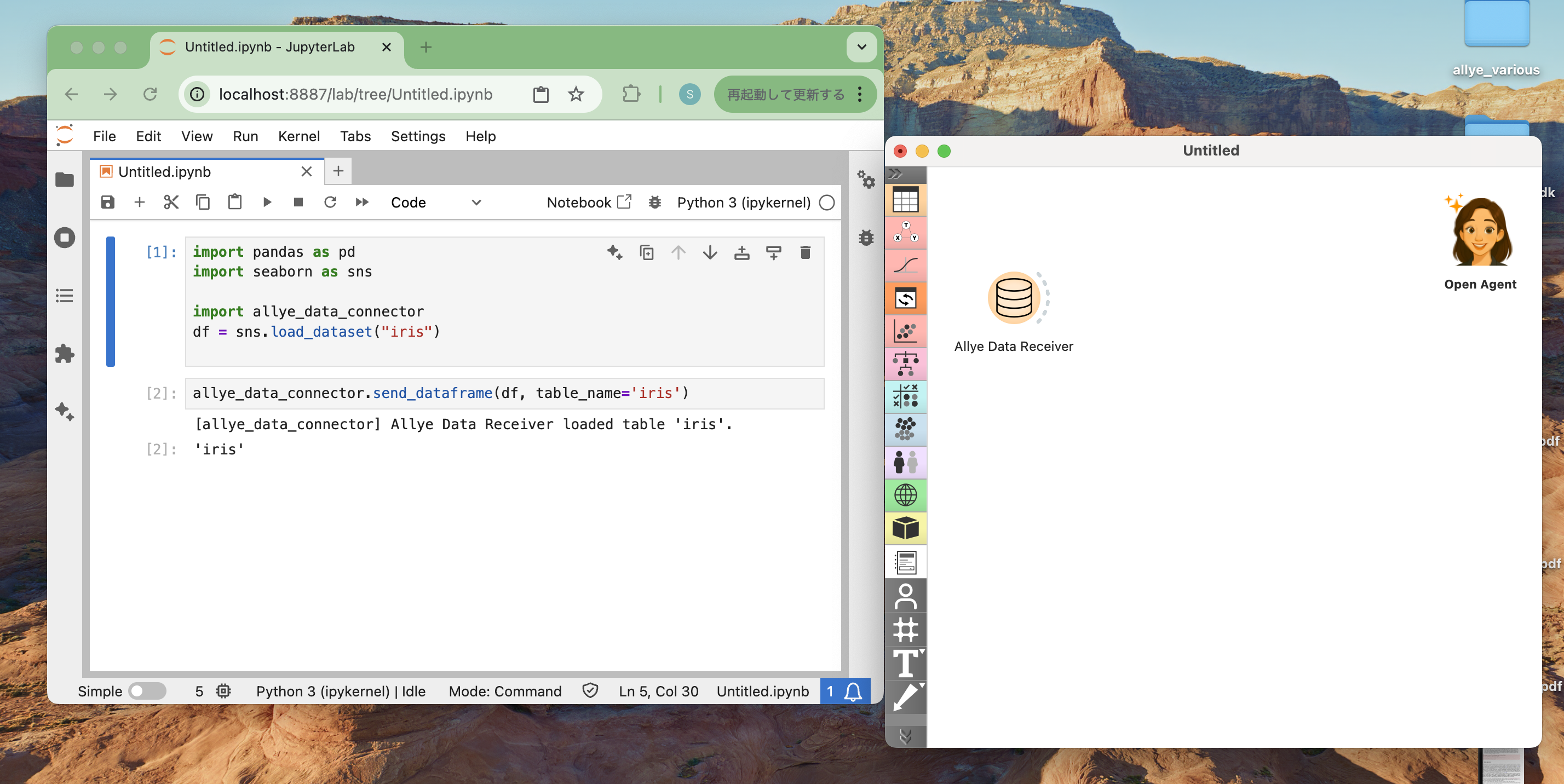
Note: Data transfer occurs locally, so please ensure that both Python and Allye are running on the same machine.
3.Canvas Workflows
- Create
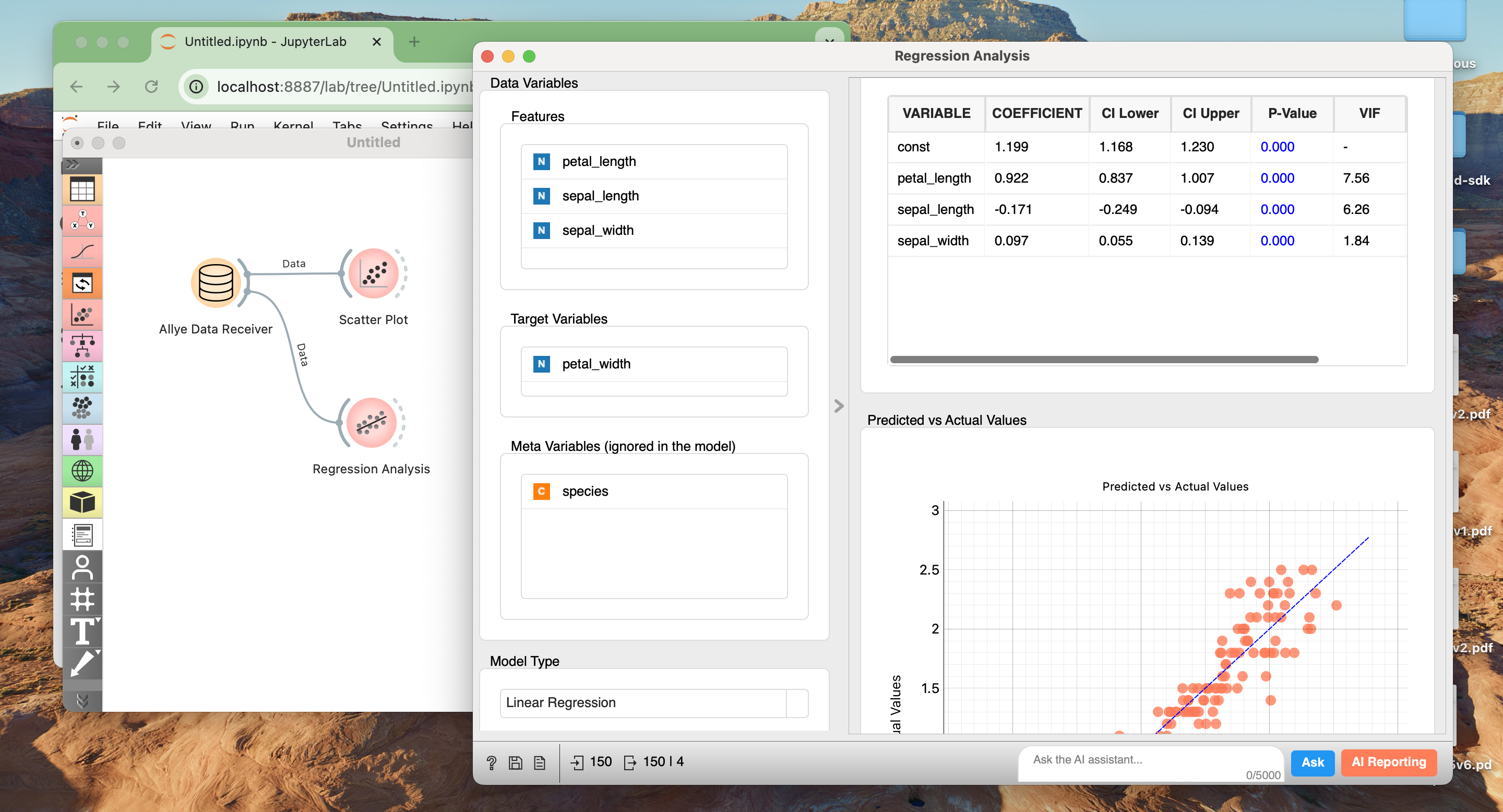
Scatter Plotfrom left dockVisualizesection and connect fromAllye Data Receiver

- Create
Regression Analysisfrom left dockStatistical Analysissection and connect fromAllye Data Receiver
4. Read it back:
-
Use Allye's
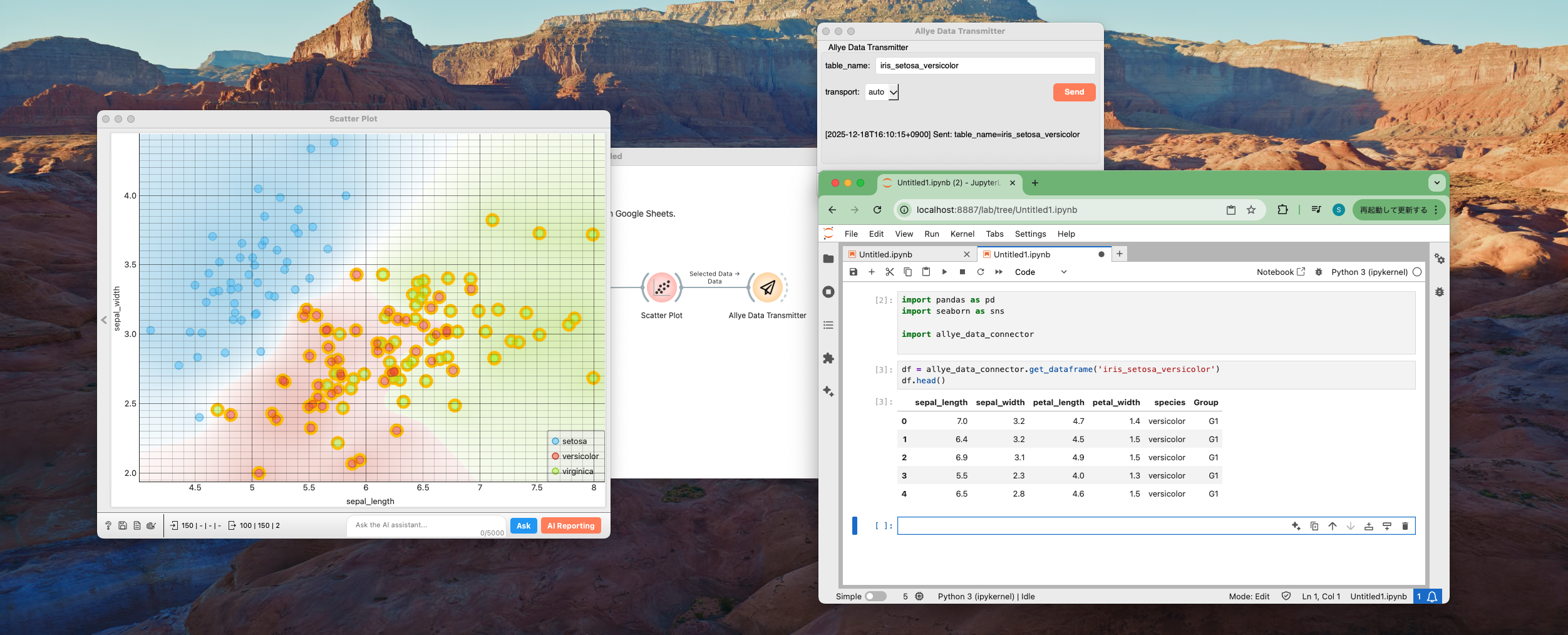
Allye Data Transmitterwidget to send Allye data. -
Receive it on the Python side, and execute subsequent processing.