Overview & Quickstart
For your detective work, AI is an exceptionally capable partner. Whenever you get stuck in your analysis, let it assist you. Explore what AI can do.
Allye provides two types of Agents. The first is the Canvas Agent, which can automatically generate workflows and perform analyses on the Allye canvas in response to your natural language requests. The second is the Notebook Agent, which can automatically generate and execute Python code.
Canvas Agent
If you appreciate the simplicity and speed of no-code tools, the Canvas Agent is your perfect partner. The Canvas Agent automatically analyzes the data on your canvas, interprets the results, reports its findings, and even suggests your next steps.
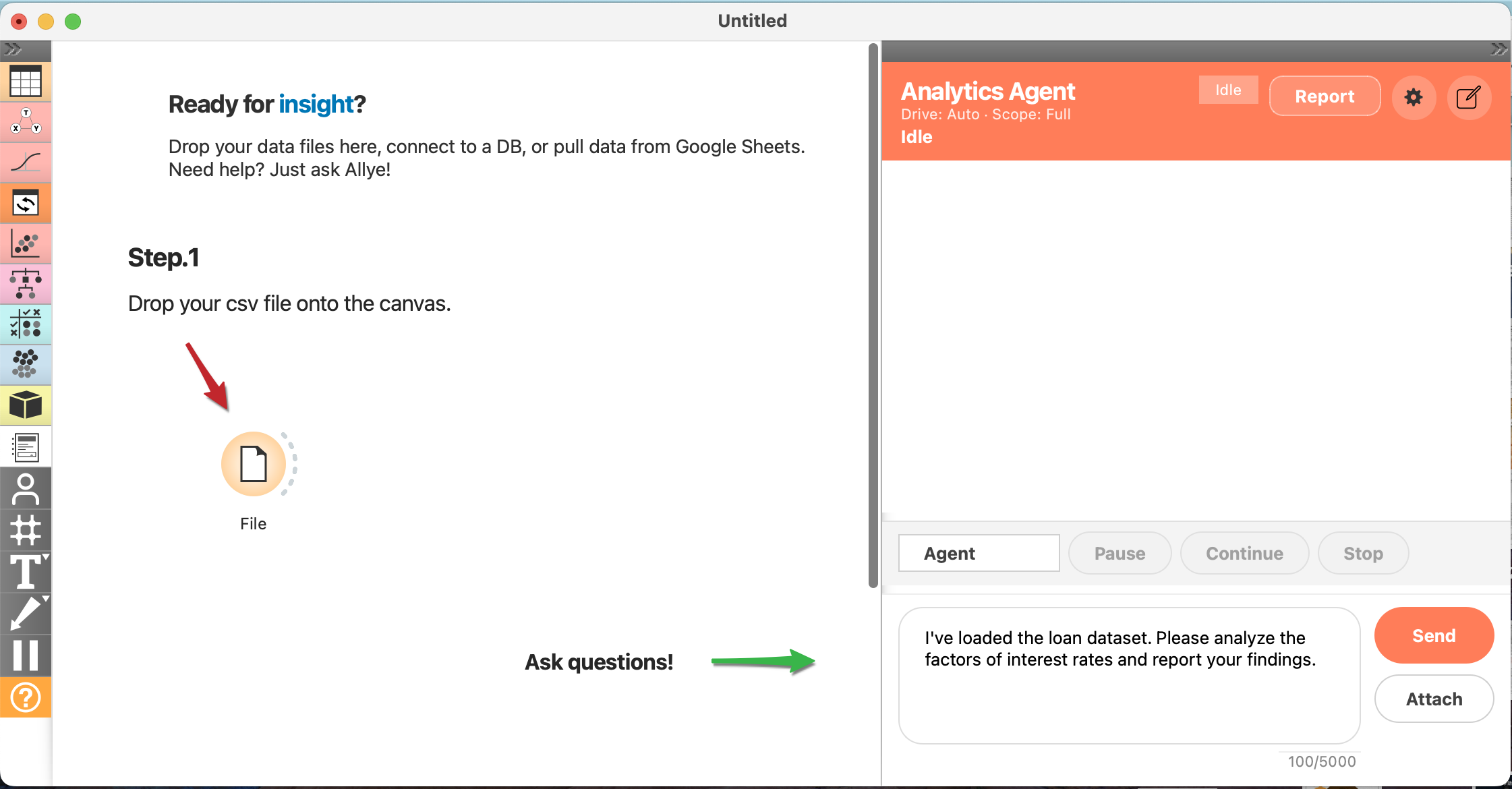
- Load the data onto the canvas.
- Ask the Agent a question, for example: “I’ve loaded the loan data. Could you analyze and report on the determinants of interest rates?”
- You should see AI generated workflow, reports and proposals. Be specific in your questions to get better answers.
Notebook Agent
If you love the flexibility of code, the Notebook Agent is your perfect partner. The Notebook Agent automatically generate and excute the python code, interprets the results, reports its findings.
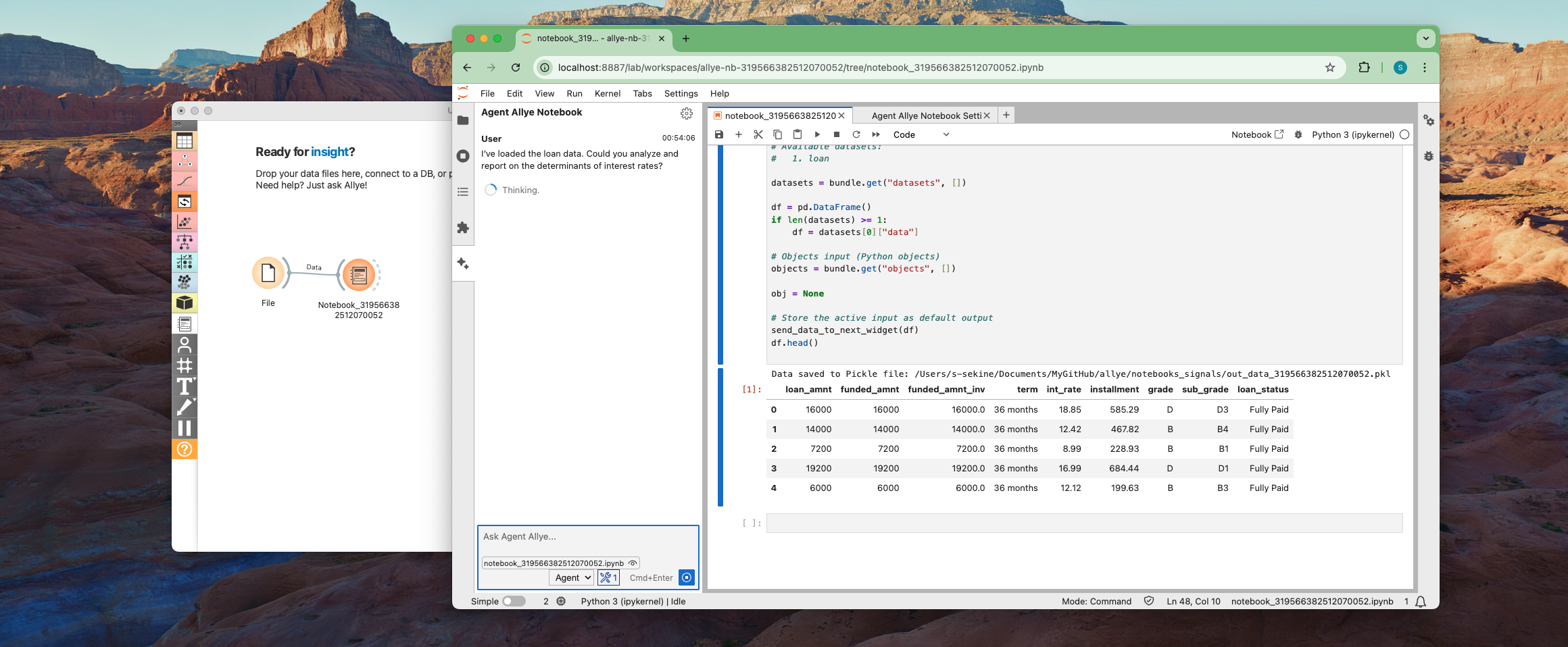
- From the left panel, create
Python Notebookin theTransformsection. - Connect to the
Python Notebookwidget and open. - A browser window will automatically open and launch
JupyterLab. From the panel on the left, select "Notebook Agent" to start theNotebook Agent. - Ask the Agent a question, for example: “I’ve loaded the loan data. Could you analyze and report on the determinants of interest rates?”
- The AI generate and execute python code. Be specific in your questions to get better answers.
AI Reporting & Ask
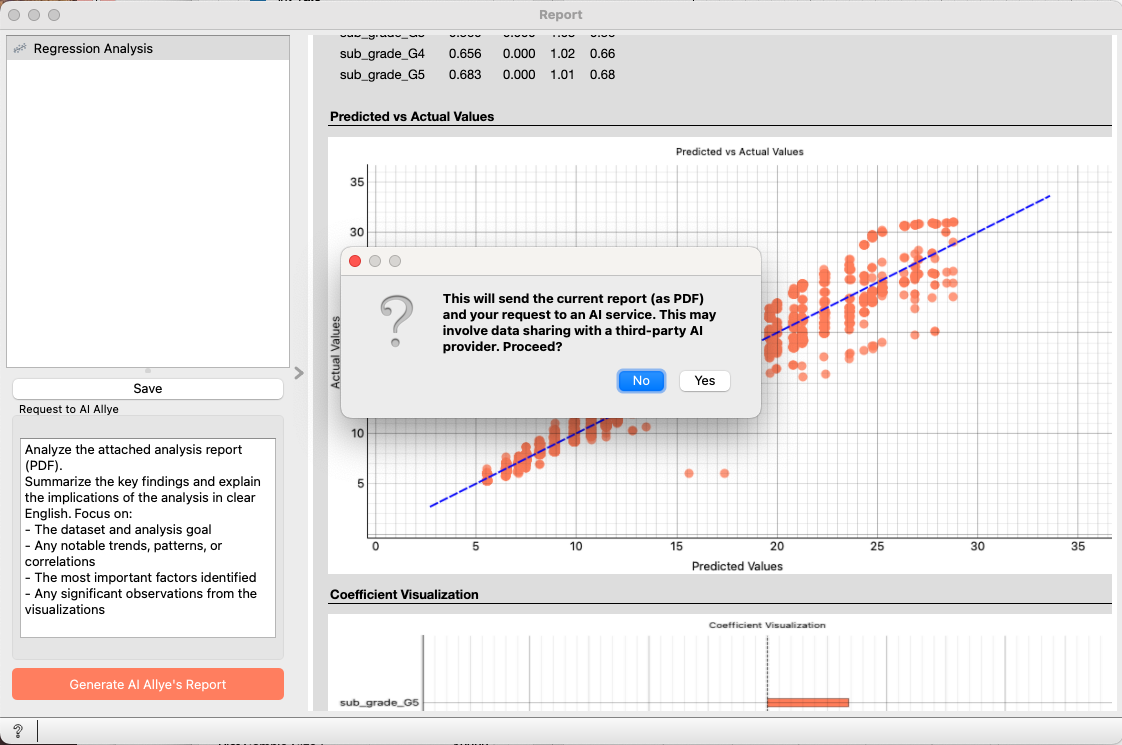
Every widget footer includes AI Reporting and Ask buttons to support your analysis.
AI Reporting: Let the AI draft a report interpreting the results. If a Regression Analysis output feels hard to articulate, instruct the AI to write the report. Adjust the "Request to AI Allye" prompt whenever you need emphasis on a specific point.
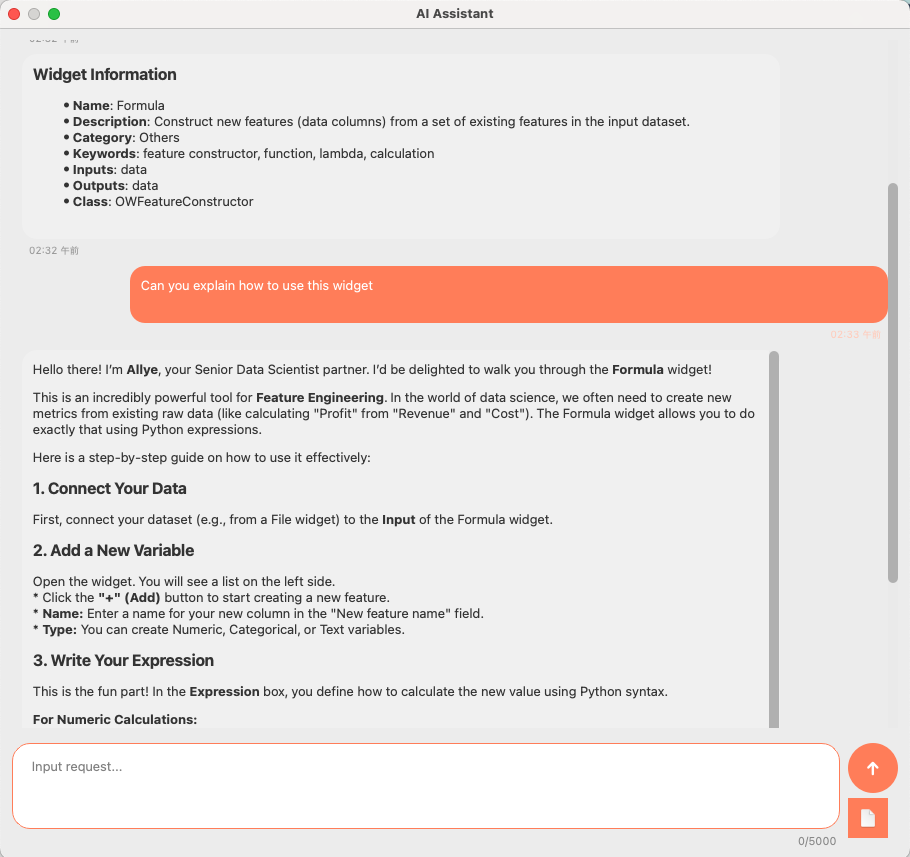
Ask: Use this to consult the AI about how the widget works or its detailed specifications. For example, if you are unsure how to use theFormulawidget for light data wrangling, ask here.